Your file is processed securely and automatically. Files are deleted after processing
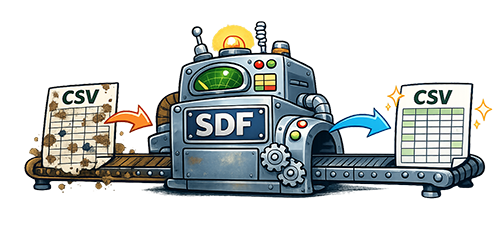
If your CSV file shows strange characters instead of normal text, your file likely has encoding issues. This tool repairs many common broken character problems automatically and cleans your data in seconds.
It is especially useful when the text already appears broken inside a UTF-8 CSV file, which is often the hardest type of character issue to fix with manual steps alone.
If your CSV file shows strange characters instead of normal text, your file likely has encoding issues. This tool repairs many common problems automatically and cleans your data in seconds.
Some encoding issues are deeply embedded and may not appear in the preview. While the tool fixes most common cases, a few edge cases may require additional handling.
If you notice broken characters that weren’t corrected, contact us with the full string containing the missed character(s). We use real-world examples like yours to improve the cleanup engine, and if we can address the issue, we’ll update the tool and help you reprocess your file. This feedback loop is how the tool continues to improve over time.
Fixes Weird, Strange or Garbled Characters
José → JoséSmørrebrød → Smørrebrød£ → £
It’s Easy to Use
- Upload your CSV file
- Preview the cleaned data
- Download the corrected file
Preview your cleaned data before purchasing the full download. This helps you confirm that the file is being cleaned in the way you expect before you continue.
Quickly fix messy data so you can use it immediately for imports, reporting, or integrations.
Ideal for preparing files for systems like CRMs, WooCommerce, and other platforms that require clean, consistent input.