

If your contact list is disorganized, full of duplicates, or formatted inconsistently, it can cause problems with imports, emails, and reporting.
Clean Your File Now

Are you dealing with something like this?
- Your contact list is messy or inconsistent
- You have duplicate contacts or repeated rows
- Email addresses or phone numbers are formatted differently
- Names and fields are inconsistent across rows
- Your file looks fine but won’t import correctly
These issues are common when combining data from multiple sources or exporting from different systems.
Why contact lists become messy
- Data merged from multiple tools or spreadsheets
- Inconsistent formatting across systems
- Manual edits and copy/paste errors
- Duplicate entries over time
- Hidden characters or encoding issues
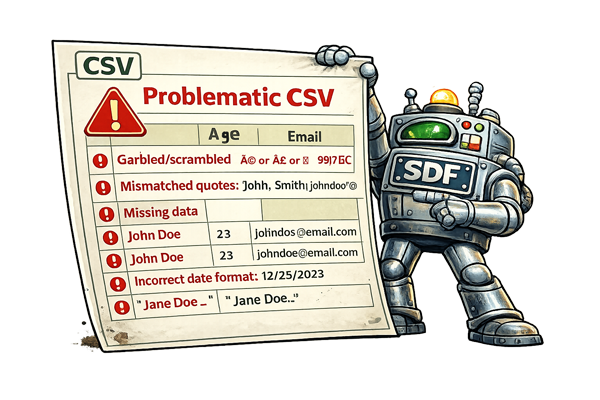
Even small inconsistencies can cause imports to fail or create problems in your CRM or email platform.
Clean and standardize your data automatically
Upload your file and we’ll normalize your data, remove duplicates, and standardize fields like email addresses and phone numbers.
If your file also contains broken symbols or strange text, you may need to fix weird characters before importing.
If your file won’t upload at all, you can also fix CSV import issues.