
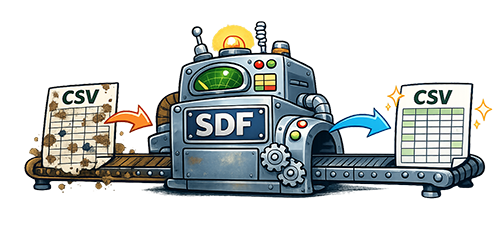
If your CSV file has columns shifting, extra columns appearing, or rows breaking apart, the issue is usually caused by formatting problems inside the file.
Fix Your File Now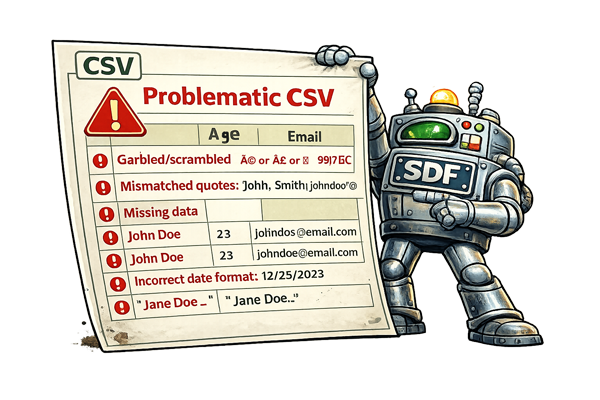
Are you seeing problems like these?
- CSV columns are not lining up correctly
- Rows are shifted or misaligned
- Extra columns appear after importing
- Line breaks are breaking rows into multiple lines
- Quotes or commas are causing data to split incorrectly
These issues are common when working with exported spreadsheets, CRMs, or data copied from other systems.
Why CSV columns break
- Unescaped commas inside fields
- Missing or broken quotation marks
- Line breaks inside cells
- Inconsistent number of columns per row
- Hidden characters or encoding issues

Even a single broken row can cause the entire file to import incorrectly.
Fix column alignment automatically
Upload your file and we’ll repair broken rows, fix quoting issues, and normalize the structure so your columns line up correctly.
If your file also contains strange symbols or corrupted text, you may need to fix broken characters as well.