
If your file won't upload or keeps failing to import, the problem is usually hidden inside the data. Small formatting issues, broken characters, or structural problems can cause even valid-looking files to fail.


Are you running into one of these problems?
- Your CSV file won't import or the import failed
- Your file won't upload into your CRM
- Your mailing list won't upload
- Your Mailchimp import failed or shows errors
- Your Shopify CSV import is not working
- Your HubSpot import failed
- Your WooCommerce import doesn't work
- Whatever you need to upload to just isn't working
Whether you're importing into Mailchimp, Shopify, HubSpot, or another platform, these issues are usually caused by problems inside the file itself.
Why your file won't import
- Columns don't line up correctly
- Hidden or invalid characters
- Broken quotes or line breaks
- Encoding issues causing strange symbols
- Duplicate or inconsistent headers
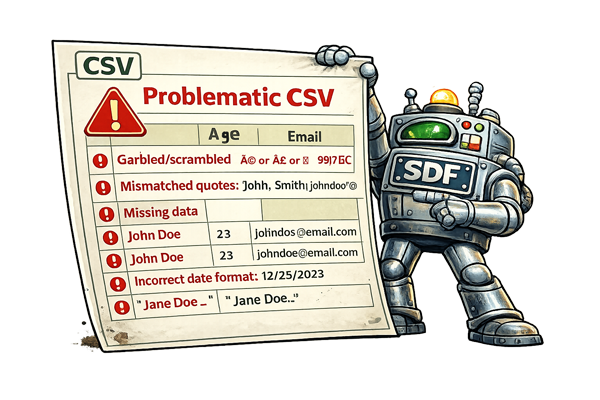
These problems are often invisible — the file looks fine until you try to import it.
Fix your file in seconds
Upload your file and we'll clean and normalize it so it can be successfully imported. We fix formatting issues, normalize data, and repair broken characters that most tools miss.